
Key points
- Different travel documents arrive differently: an ETA or ESTA is usually just an email confirmation linked to your passport, while an eVisa may come as a PDF.
- If you applied through iVisa, confirm the site was ivisa.com or ivisatravel.com and check that emails came from @ivisa-send.com or @ivisatravel.com.
- You can verify most documents directly on the relevant government tracker, listed by destination.
- Legitimate providers show clear pricing that separates the government fee from the service fee, verified reviews, and visible support.
- If you can't confirm your status before you travel, reapply through iVisa or the official government website.
If your visa or ETA confirmation looks unusual, or the website you used seems questionable, it’s natural to wonder whether the whole thing was legitimate. This guide is for anyone who has searched something like “private website for UK ETA, was it a scam?” or “how do I check if my visa is real?” It walks through what you should have received, how to verify it, and what to do if you’re still unsure.
First, what kind of document did you apply for?
Different travel documents arrive through different channels, so what looks suspicious for one is completely normal for another. Here’s a quick breakdown:
| Visa type | What you receive | Is it linked to your passport? |
|---|---|---|
| UK ETA | Email confirmation (no attachments) | Yes |
| US ESTA | Email confirmation (no attachments) | Yes |
| India eVisa | PDF approval sent by email | No |
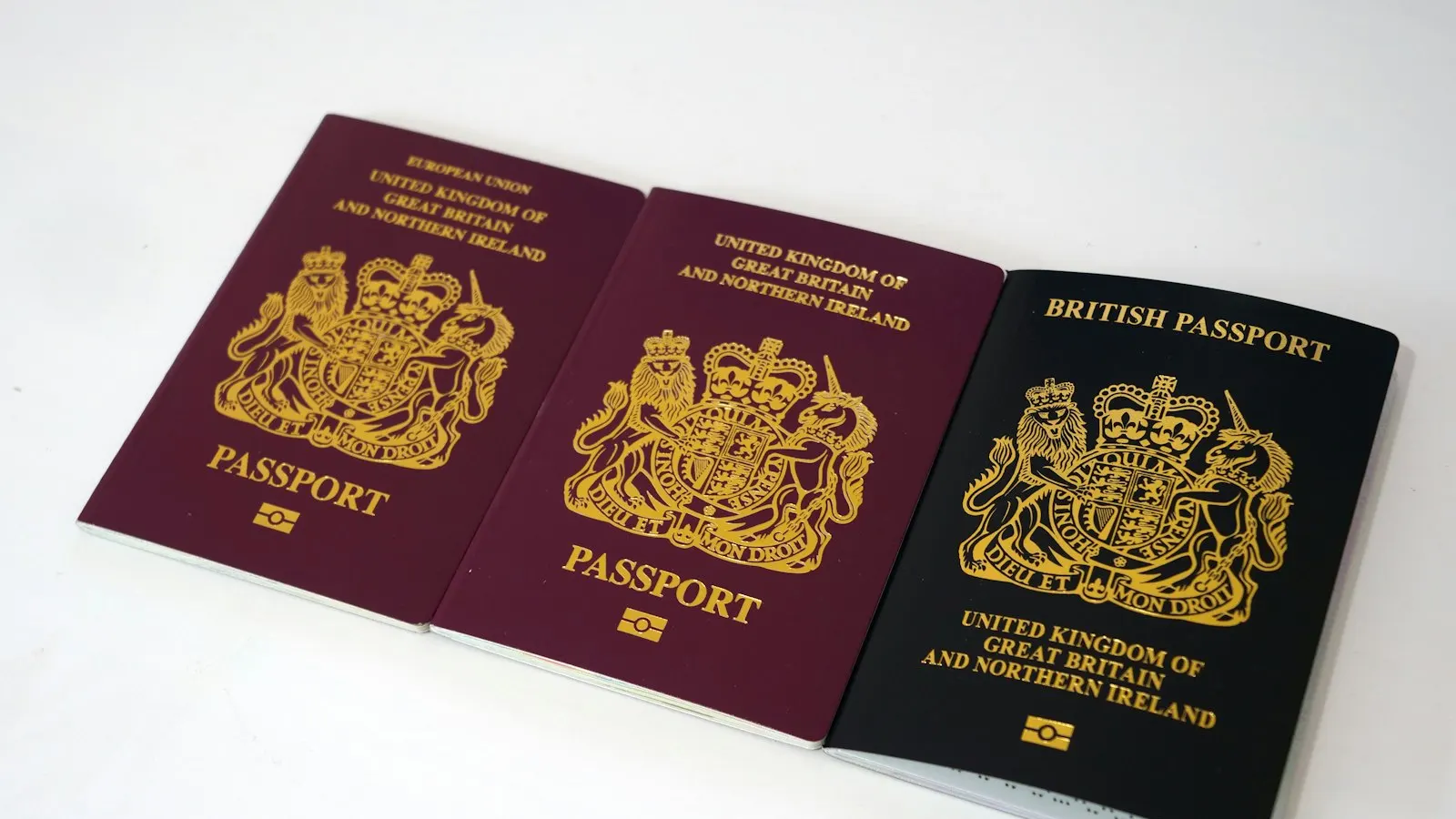
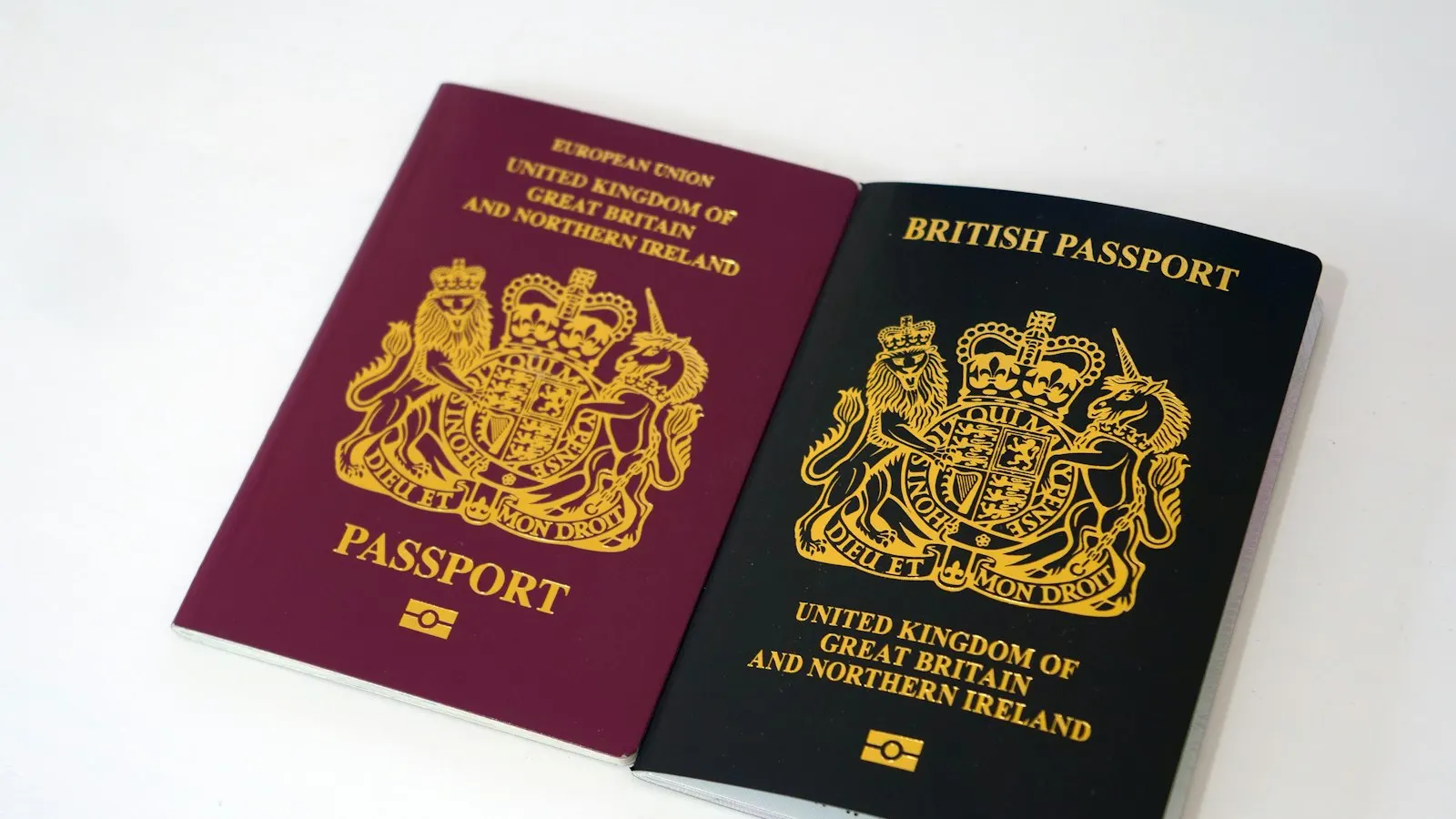
| UK visa | Visa placed in your passport (sticker or vignette) | No |
| Canada visa | Decision shown in your online account; visa label in passport if approved | No |
For documents like the UK ETA or US ESTA, getting only an email confirmation with no attachment is normal. The approval is linked electronically to your passport, so there’s no separate file or sticker to worry about.
If you applied through iVisa
If you used iVisa, here’s how to confirm everything is in order:
- Confirm the website. Your application should have been submitted on ivisa.com or ivisatravel.com.
- Check the email sender. iVisa confirmations come only from @ivisa-send.com or @ivisatravel.com addresses. They include your order number, visa type, and passport details.
- Track it online. Log into your iVisa dashboard to check your application status and download any documents.
- Reach support. Help is available through chat or WhatsApp if anything looks off.
The goal is transparency: an application process shouldn’t feel like a black box, and you should always be able to see where your order stands.
Why trust iVisa?
A few figures that give a sense of the volume and reliability of the service:
- 8,000+ UK ETA applications processed in a single month
- Most rush UK ETA applications completed in less than a day
- India Tourist eVisa rush orders typically completed within 3 days
- 90%+ of standard orders completed on time
Along the way you get step-by-step updates, real-time tracking, and support from a real person.
If you applied through another third-party website and feel unsure
If you used a different provider and aren’t confident about it, try these steps:
- Search your inbox for confirmation emails using keywords like “visa,” “ETA,” or “receipt.”
- Check your bank statement to identify the company name behind the charge.
- Use the official government tracker for your document:
- UK ETA: gov.uk
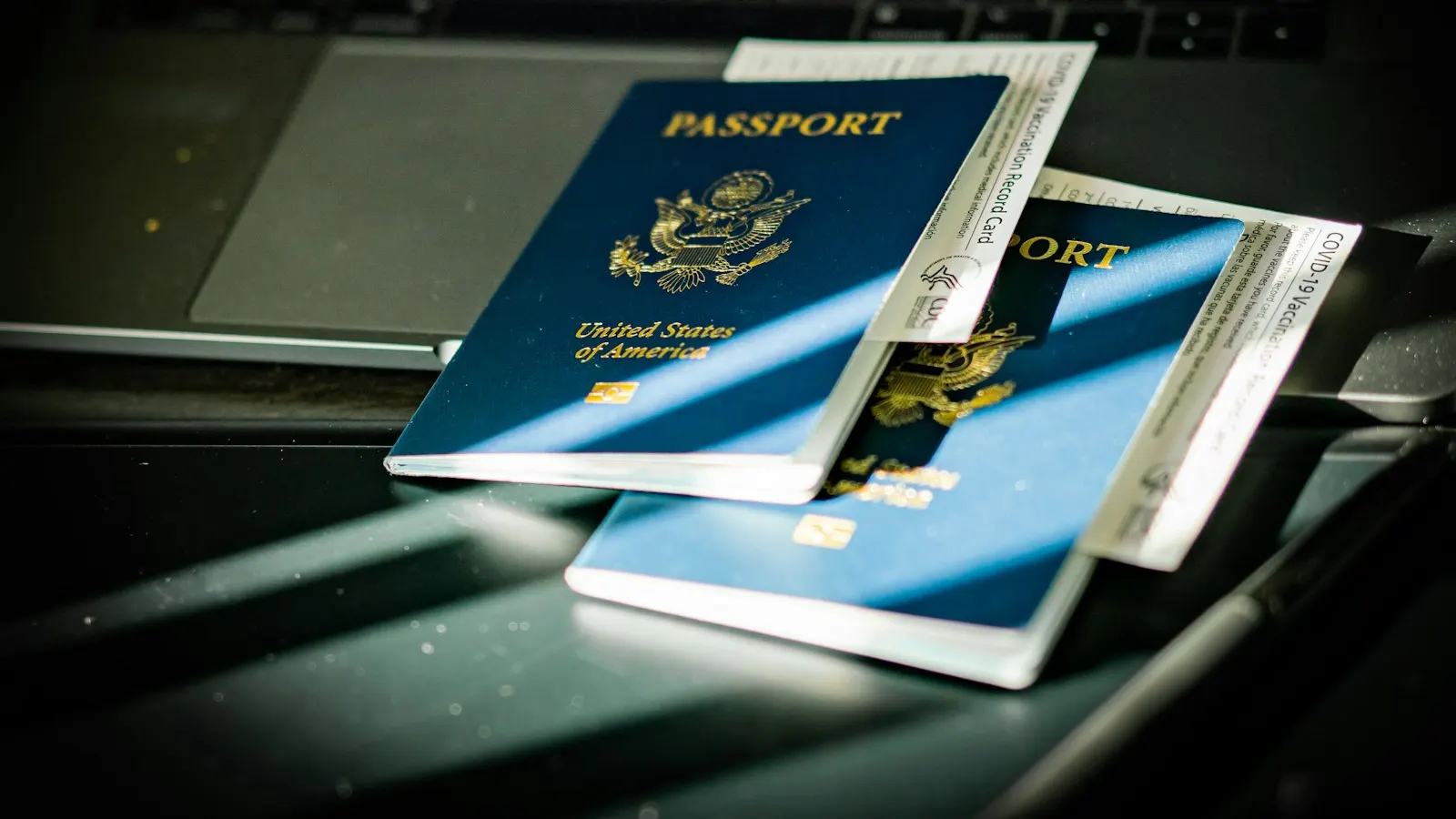
- US ESTA: esta.cbp.dhs.gov
- India eVisa: indianvisaonline.gov.in/evisa
- Canada visa: canada.ca/en/immigration-refugees-citizenship
- US visa application (B1/B2): ceac.state.gov
Official mobile apps are also available for the UK ETA, US ESTA, and India eVisa through the major app stores. These are a reliable way to check status directly with the issuing authority.
If you don’t remember what site you used
It happens. To retrace your steps:
- Search your email and spam folders for terms like “ETA,” “eVisa,” or “travel authorization.”
- Check your card statements for visa or travel-related charges.
- Check the official government status tool listed above, or contact the issuing authority’s support channel, before doing anything else — they can confirm whether an application already exists in your name.
- Only if the issuing authority cannot find any application, and your trip is coming up soon, should you submit a new one through iVisa or the official government website rather than risk arriving without a valid document. Reapplying before you check can mean paying twice and creating duplicate records.
How to avoid fake visa sites
Legitimate providers tend to share the same signals. Look for:
- Clear pricing that shows both the service fee and the government fee separately
- Verified reviews on platforms like Trustpilot or Google
- A clear statement that it’s a private service, not a government website
- Secure payment processing
- Visible customer support options
- Application tracking that’s available after you pay
If most of these are missing, treat the site with caution.
Avoid the stress: apply with us
iVisa offers step-by-step guidance, applications reviewed by specialists, real-time tracking with email updates, and live support that runs on weekends too. If you’d rather not second-guess a confirmation later, starting with a provider that keeps you informed throughout is the simplest way to travel with peace of mind.