
Key points
- The Kenyan government platform added a security step at checkout that generates a 3-digit verification code in the background, which travelers cannot see or enter.
- As a result, many payments fail even when the card details are correct.
- Common workarounds like retrying with a different card, calling your bank, or using incognito mode often don't resolve it.
- A private facilitator such as iVisa can handle the payment and manage the verification step; the eTA itself is always issued by Kenyan authorities.
Kenya eTA payment errors in 2026 experienced by travelers
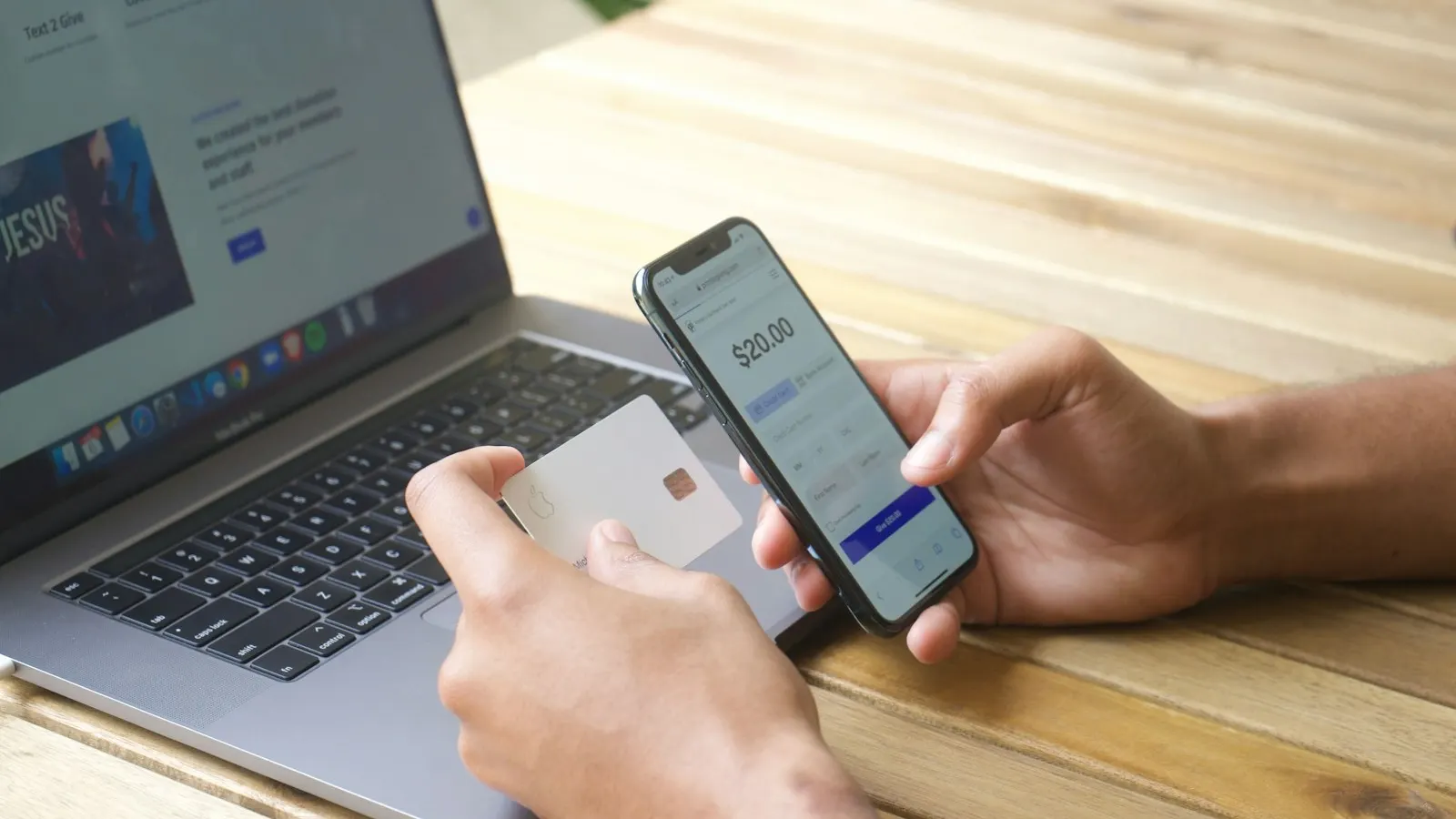
The Kenyan government platform introduced an extra security step during payment. It relies on a unique 3-digit code created during the transaction.
This verification code is different from the security measures you might expect, such as an SMS code or a 3D-Secure step. The verification code is generated in the background by the Kenya eTA payment system, and travelers cannot access or enter it directly. That is why payments can fail even when your card details are correct.
How to fix the verification issue for the Kenya eTA payment step
Right now there is no direct way for travelers to access the required verification code themselves. Retrying with different cards, contacting your bank, or using incognito mode on your browser generally doesn’t work.
A private visa service such as iVisa can handle the payment process for you and manage the verification step, so the transaction can be completed. iVisa is a private facilitator and is not affiliated with the Kenyan government; it charges a service fee on top of the government eTA fee.
Most common Kenya eTA payment issues and troubleshooting
| Issue | How to fix it |
|---|---|
| Payment declined | Try a different card, make sure international payments are enabled, or contact your bank |
| Small temporary charges | These are temporary holds; wait several days and avoid multiple attempts |
| Payment fails without explanation | Double-check your card details; if it continues, it’s likely a system issue |
| Can’t receive or enter the verification code | Try incognito mode, but avoid retrying multiple times |
How to pay for the Kenya eTA (step-by-step guide)
Option 1: Try again (limited success)
- Use a different credit card or payment method.
- Enable international transactions on your card.
- Contact your bank to authorize the payment.
Option 2: Use a third-party visa service
A private provider can handle the payment on your behalf, retrieve the required validation code, and make sure the transaction is completed correctly.
If you go this route, check that the service is legitimate first: look for a secure HTTPS site, genuine customer reviews, and clear fee disclosure (the government eTA fee shown separately from the provider’s service fee), and avoid any service asking for unusual payment methods.
Frequently asked questions about the Kenya eTA payment
Why does my Kenya eTA payment keep failing?
Many payments fail because of a new validation step that requires a dynamic 3-digit code, which most users cannot access or even enter.
I keep getting charged small fees, what are these?
Small charges of roughly $1 to $5 are temporary authorization holds. They usually disappear within a few days.
Can I fix the issue by contacting my bank?
Your bank can help in some cases, but many failures come from the payment system itself rather than your card.
I need my Kenya eTA quickly, what is the fastest way to complete it?
Using a third-party service such as iVisa that can handle the payment processing tends to be more reliable when the checkout step is failing.
Is the Kenya eTA system currently down?
The system is active, but it has been experiencing payment issues due to recent changes.