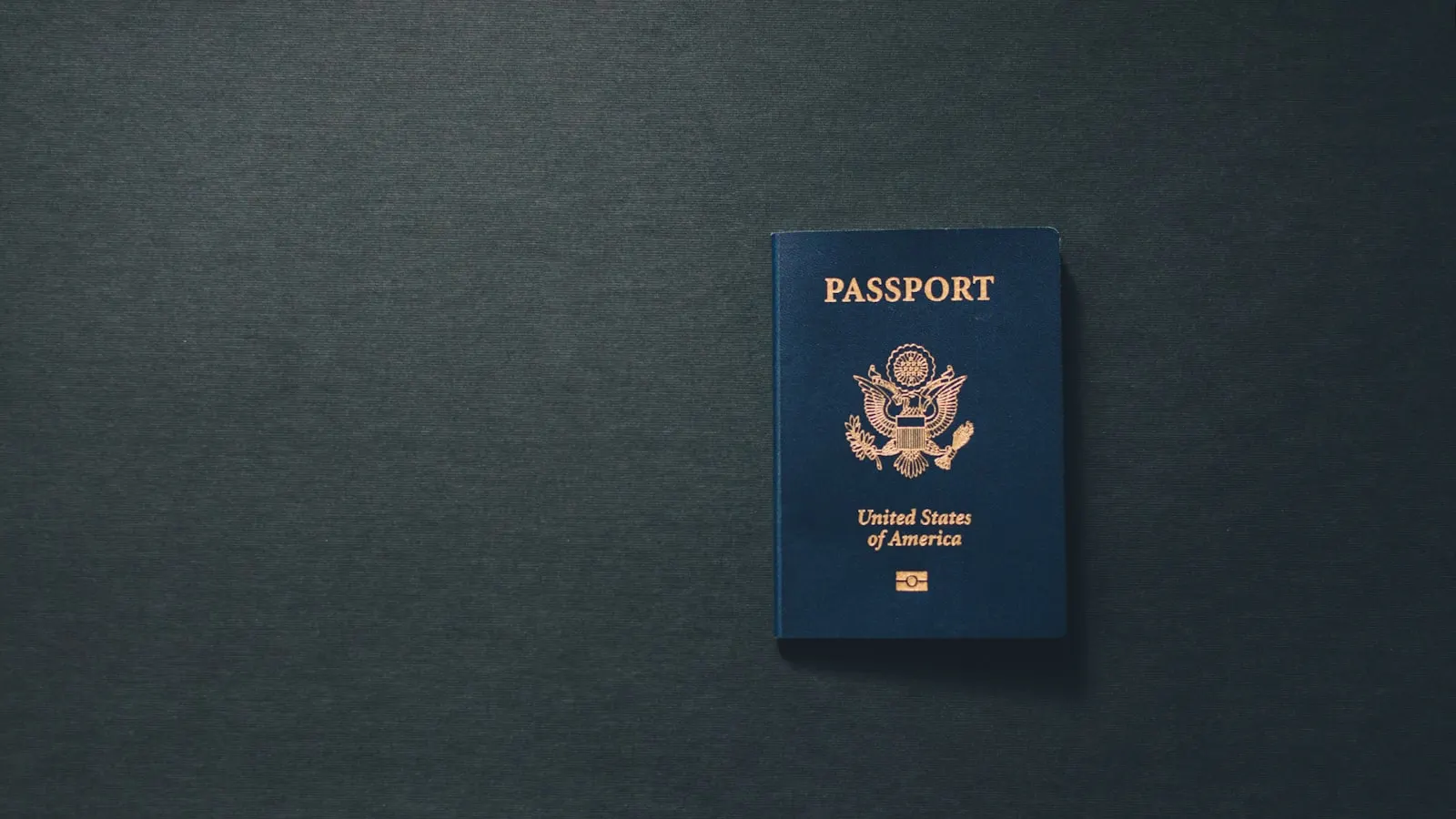

Key points
- Indian eVisa payments often fail because of gateway limits, international transaction blocks, 3D Secure mismatches, or browser issues.
- Before retrying, confirm your card is valid, funded, and that every detail matches exactly.
- Clearing cache, switching browser or device, and turning off a VPN resolve many failed payments.
- Match the error message to its fix, and keep screenshots handy if you need to contact support.
A failed payment is one of the most frustrating points in any online visa application. When the Indian eVisa payment is not working, it usually comes down to a handful of common causes, and most of them can be fixed in a few minutes. Here is what tends to go wrong and how to get your payment through.
Quick summary
- Visa class: Electronic eVisa
- Difficulty rating: 21/100 (moderate, mainly due to potential payment challenges)
- Approval rate: 99% success rate
- Visa details: Multiple-entry
- Validity period: 1 year from date of issue
- Maximum stay: 90 days per entry
- Average processing time: 4 business days
Common payment issues for the Indian eVisa application
A few obstacles come up again and again when travelers try to pay:
- Technical limitations with payment gateways
- International transaction restrictions
- Security protocol mismatches
- Browser compatibility issues
- Expired cards or reached credit limits
Before you attempt payment, make sure your card is valid, has sufficient funds, and that all information matches the card details exactly. If a charge is declined, it is usually worth waiting around 30 minutes before retrying with a different browser or device.
Keep in mind that the amount due covers the Indian government’s eVisa fee, and if you apply through iVisa, a separate iVisa service fee on top of it.
iVisa Pro Tip: Many applicants have found success using cards from smaller regional banks, as they often still use the 3D Secure technology required by the Indian eVisa portal.
India eVisa application payment technical troubleshooting
If the payment screen misbehaves, work through these steps:
- Clear your browser cache and cookies completely
- Try a different device (mobile often works better)
- Use a compatible browser such as Google Chrome or Firefox
- Make sure you have a stable internet connection
- Turn off any VPN before processing the payment
Common error messages and solutions when paying for the India eVisa
| Error type | Solution |
|---|---|
| Transaction declined | Contact your bank to authorize international transactions |
| Payment gateway error | Wait 30 minutes before retrying |
| Invalid card details | Double-check all information, especially the CVV |
| Session timeout | Start a fresh application in a new browser window |
iVisa Pro Tip: Take screenshots of any error messages you receive. They can be helpful when you reach out to a support team for assistance.
The best payment cards for the Indian eVisa application
| Payment method | Success rate | Best time to try |
|---|---|---|
| Credit card (Visa) | 85% | Early morning hours |
| Mastercard | 80% | Business hours |
| PayPal | 95% | Any time |
| Mobile payment | 90% | Off-peak hours |
iVisa Pro Tip: Many travelers have found success by making their payment attempt between 2 AM and 6 AM IST, when the server load is typically lower.
Advanced troubleshooting with iVisa
When you apply with iVisa, a few things make payment problems easier to handle:
- Multiple payment attempts are tracked to help prevent your application from being blocked
- Real-time payment status verification
- 24/7 customer support assistance
- Easy access from the mobile application
Need more info about the India eVisa application?
For other common questions, our Tourist eVisa help content covers the issues applicants run into most often. If you are stuck, you can reach us in two ways:
- Chat: available at ivisa.com/contact-us
- WhatsApp: direct messaging is available
Entry rules and payment requirements can change, so treat this as general guidance and check the official Indian government eVisa portal for the current requirements.